
When browsing through the whole fediverse, sometimes I see something that I didn’t want to see, and I especially don’t want to visit that community in order to block it. It’d be nice to just tap the hamburger menu and block it.
Just do it from the feed, you don’t even have to open the post.
FYI, I’ve already submitted this as a feature request on the Sync for Lemmy GitHub.
Could you link me please?
Any idea how I can block all things under @hexbear? Everything coming from that instance is absolute horse shit.
deleted by creator
Already have this option in Connect app for Lemmy, from the all hot homepage you can already block instances or communities you don’t like from the individual listing. Honestly a godsend because i like to see what everyone’s up to but i don’t want no furry or other stuff
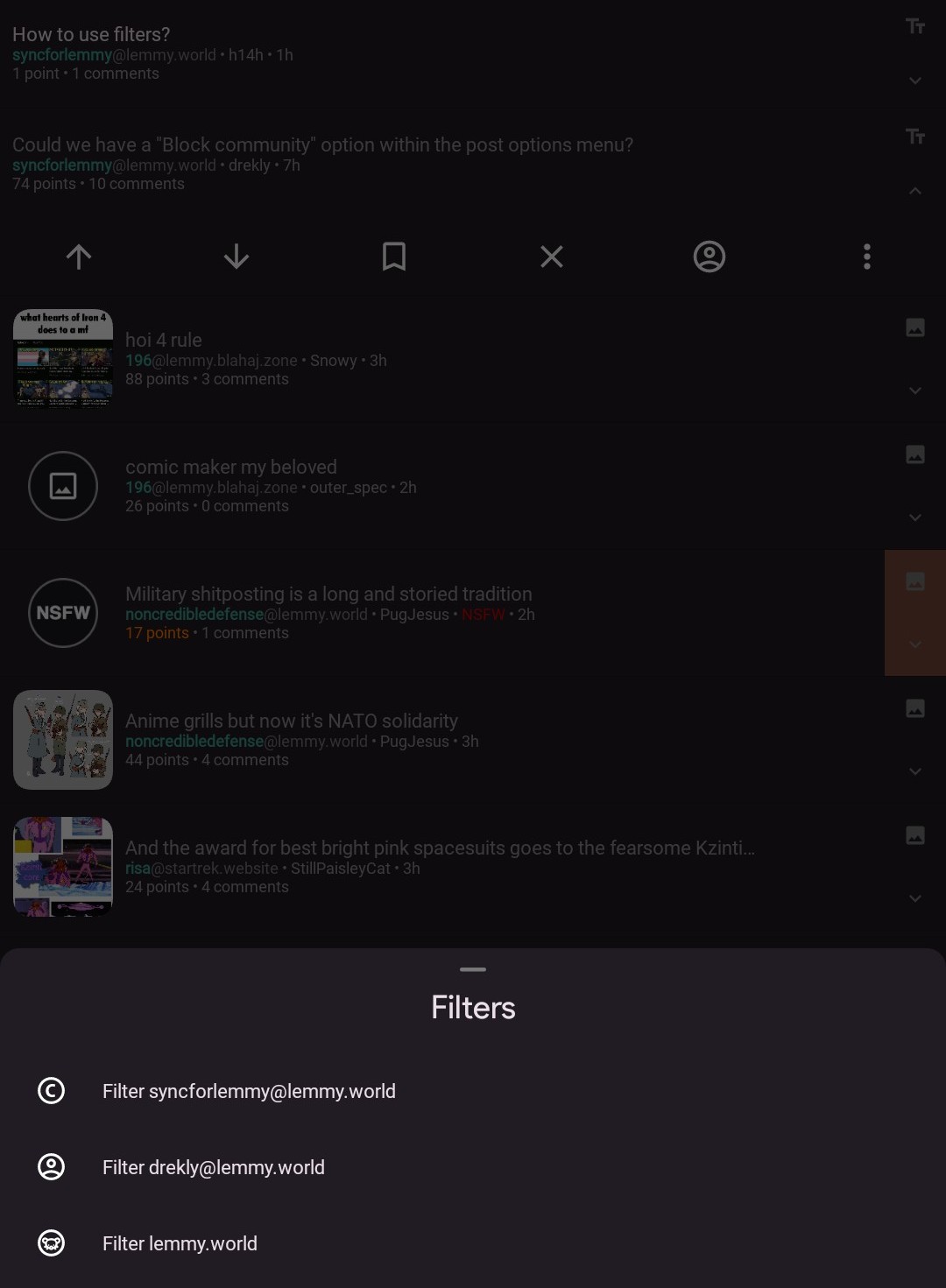
Big funny here. How exactly do you filter the instance? It asks to type it out but I seem to be doing it wrong. I typed the whole domain https://hexbear… and it didn’t work, tried “hexbear”… should it be @hexbear?
Thanks fren.
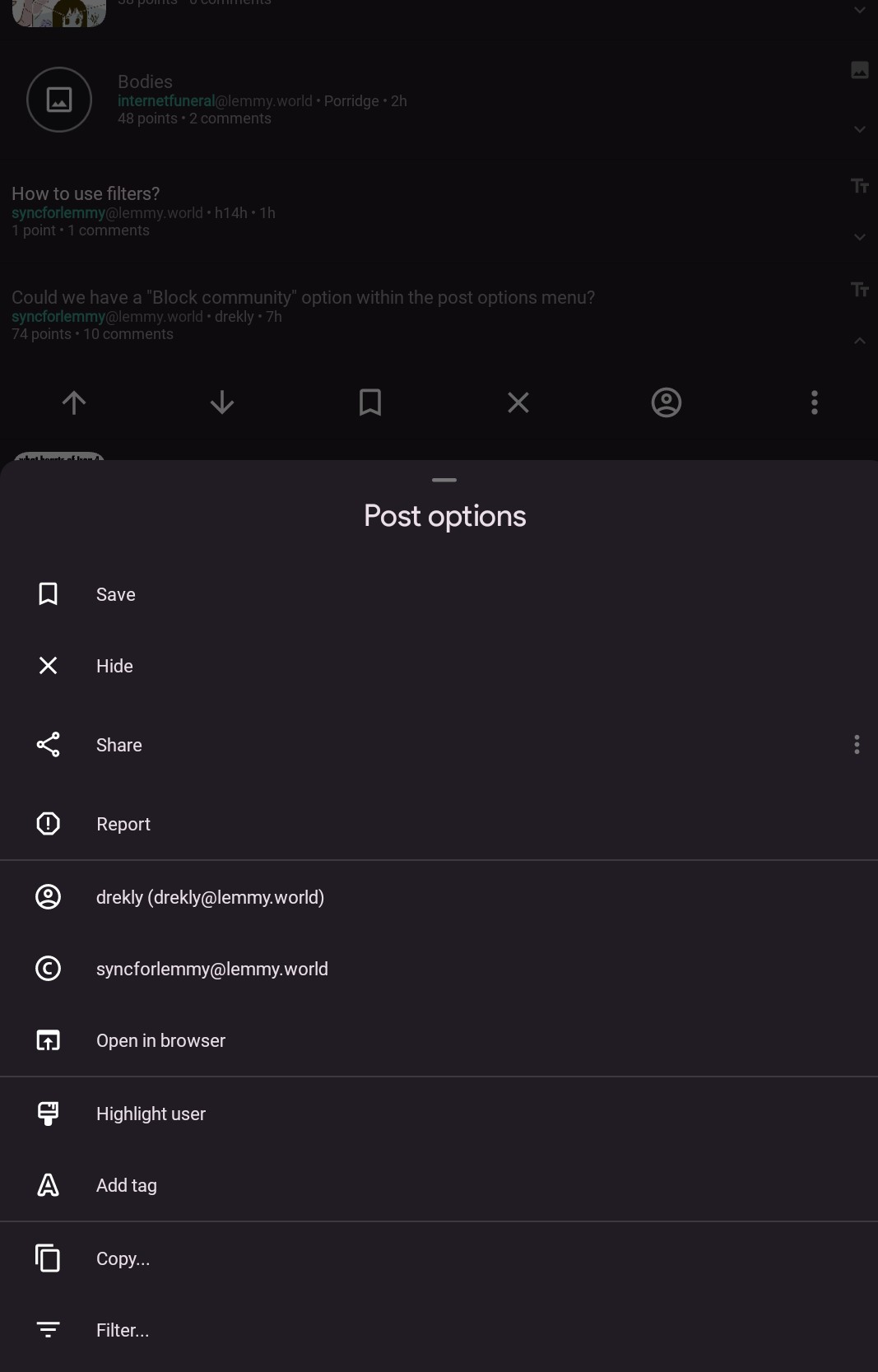
3 dots on post > Filter
Filter is not block though, if you open the instance on your browser, you still see them. Only if you actually block them, they are gone.
Then this isn’t a Sync feature request, it should be a Lemmy feature request
It could absolutely be implemented by Sync.
deleted by creator
Tell me you didn’t read the post without saying you didn’t read the post.
Maybe I’m just having a stroke here, but I could swear I’m already blocking communities I don’t want to appear. Let me check…
Edit: yeah, settings/general/filters. I have a few things filtered out, like hexbear, or whatever it’s called. You can hide based on user, keyword, domain, instance, and community.